
Troubleshooting Common Projector Overheating Issues
Published on
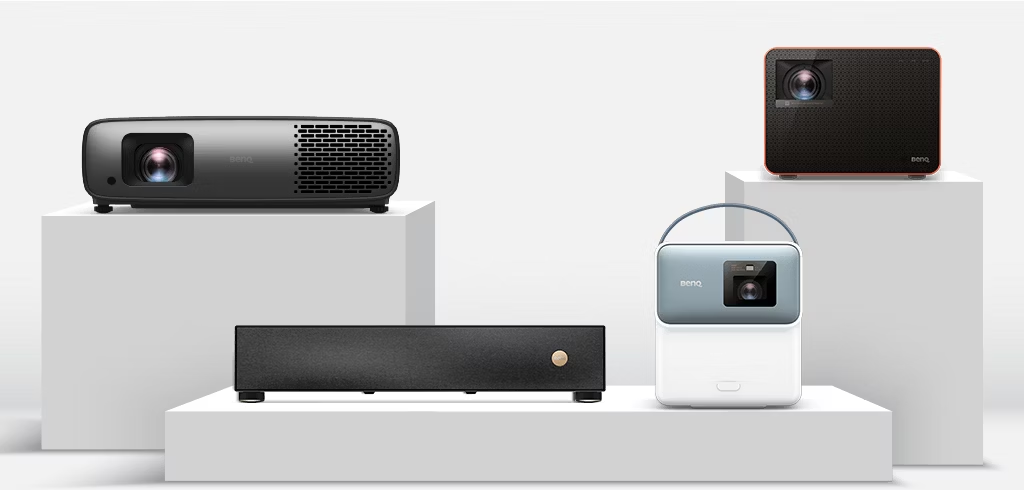
Is your projector shutting down after a few minutes of use? This is a classic sign of overheating. Projectors generate intense heat, and if the cooling system fails, the device protects itself by turning off.
Why Do Projectors Overheat?
- Blocked Air Filters: Dust accumulation blocks airflow, preventing the fans from cooling the lamp.
- Fan Failure: If the internal fans stop working, heat builds up rapidly.
- Restricted Airflow: Placing the projector too close to a wall or in an enclosed cabinet can trap heat.
How to Fix It
1. Clean the Filter: Most projectors have a removable air filter. Take it out and vacuum or wash it (if washable) to remove dust.
2. Check for Obstructions: Ensure there is at least 2 feet of clearance around the projector vents.
3. Listen to the Fans: When you turn it on, you should hear the fans spinning. If it's silent, the fan might be dead.
When to Call a Pro
If cleaning the filter doesn't help, the issue might be with the thermal sensor or the mainboard. Attempting to repair internal components yourself implies a risk of deeper damage or electric shock.
Expert Projector Repair in Hyderabad
Harsha Technologies specializes in projector maintenance. We handle filter cleaning, fan replacement, and lamp changes for Sony, Epson, BenQ, and more.
Book a Service