
Top 5 Maintenance Tips to Extend Your Printer's Life
Published on
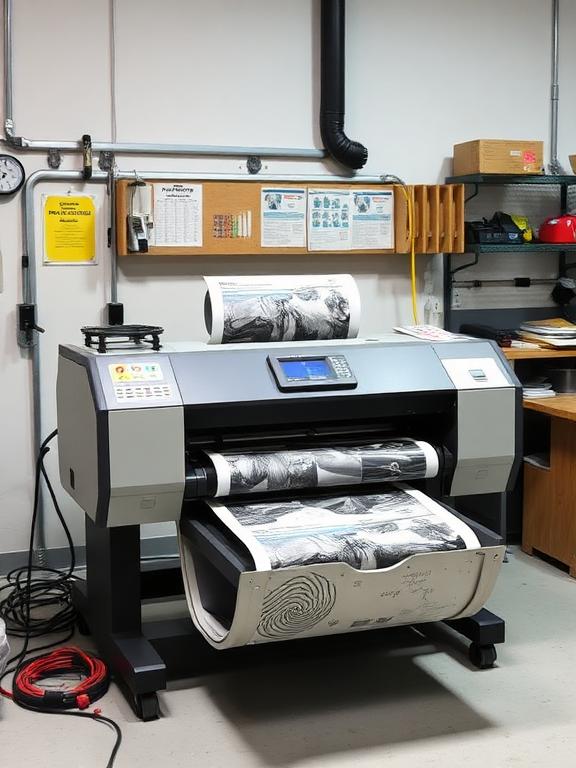
Printers are essential tools for both homes and offices, but they often get neglected until something goes wrong. Regular maintenance can save you money on repairs and extend the lifespan of your device. Here are 5 expert tips from Harsha Technologies:
1. Clean the Print Heads Regularly
Clogged print heads are the #1 cause of poor print quality. Most modern printers have a self-cleaning utility in the settings menu. Run this once a month to prevent ink from drying up inside the nozzles.
2. Use High-Quality Paper
Cheap, dusty paper can leave debris inside the printer rollers, leading to frequent paper jams. Invest in standard 75-80 GSM paper for smooth feeding and better print results.
3. Turn It Off Properly
Always turn off your printer using the power button, not by pulling the plug. This allows the print head to park correctly, sealing the cartridges and preventing them from drying out.
4. Keep It Covered
Dust is a printer's enemy. When not in use, cover your printer with a cloth or plastic cover to prevent dust from settling on sensitive internal components.
5. Update Firmware
Check the manufacturer's website for firmware updates. These updates often fix bugs and improve the efficiency of ink usage.
Need Professional Help?
If your printer is already showing signs of trouble, don't wait. Contact Harsha Technologies for expert doorstep repair service in Hyderabad.
Call 9063 484 335